
Most landscapers and garden designers in London are leaving money on the table. In fact, 76% of potential clients search online before hiring a local tradesperson, yet over half of landscapers still don’t have a professional website. That’s a massive opportunity gap. Your portfolio is your most powerful selling tool—but only if it’s showcased properly online. A well-designed landscaping website doesn’t just look good; it converts visitors into paying customers, builds trust, and showcases your best work 24/7. The problem? Many generic website builders and expensive agencies don’t understand the landscaping industry. They don’t know how to highlight before-and-after transformations, explain your design process, or capture the emotion behind turning a neglected outdoor space into a client’s dream garden. That’s where specialist landscaper web design comes in. This guide walks you through everything you need to know about getting a professional landscaping website that actually generates leads—and how you can launch one in just 7 days for as little as £499.
What Is Landscaper Web Design and Why Does It Matter?
Landscaper web design is a specialized approach to building websites specifically for garden designers, landscape architects, and gardening professionals. Unlike generic business websites, landscaping sites are built to showcase visual transformations, build client trust, and drive enquiries for projects.

A professional landscaping website isn’t just a digital brochure. It’s a lead generation tool that works while you’re on-site installing a garden. Here’s what separates a high-performing landscaper website from a mediocre one:
Portfolio Showcase: Before-and-after galleries that demonstrate your expertise and style. These aren’t random images—they’re strategically organized to show different project types, scales, and design approaches.
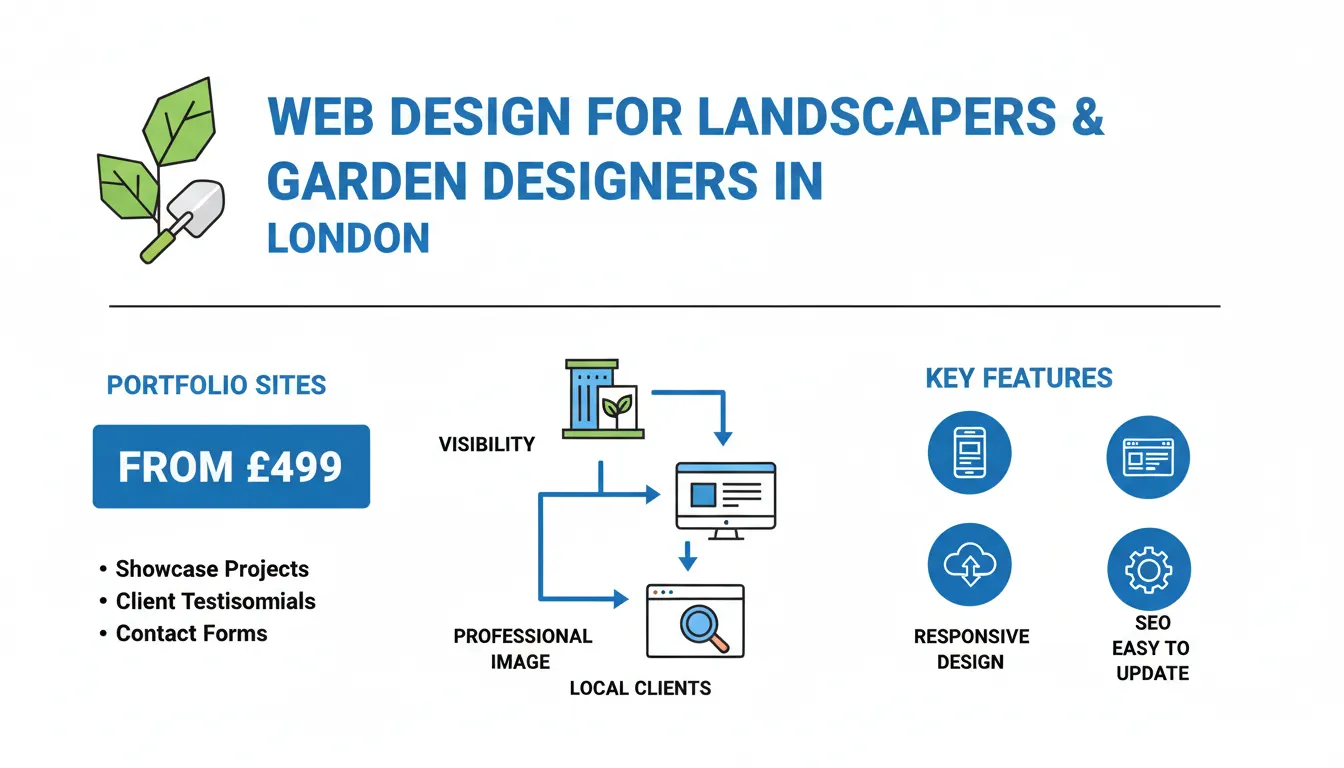
Key Takeaways
Trust Building: Client testimonials, accreditations, years of experience, and professional photography that prove you deliver results.

Enquiry Capture: Simple contact forms, call buttons, and booking systems that make it frictionless for potential clients to reach you.
Mobile Optimization: Most people search for landscapers on their phones while browsing gardens or design inspiration. Your site must look perfect on mobile.
Local SEO: Optimization for location-based searches so you appear when people in London search “garden designer near me” or “landscaper in [your area].”
Project Documentation: Detailed case studies that walk potential clients through your design process, materials used, timelines, and results.
According to recent data, businesses with a professional website generate 34% more leads than those without one. For landscapers, that figure is even higher because your work is inherently visual. A single stunning before-and-after photo can convert a browser into a paying client.
The challenge has always been cost and time. Traditional web design agencies charge £2,000–£10,000+ and take weeks to deliver. But modern, specialist landscaper web design has changed that equation. You can now launch a professional portfolio site in 7 days for as little as £499.
Step 1: Plan Your Landscaping Website Structure and Content
Before any design or coding happens, you need a solid plan. This is where most landscapers fail—they rush into building a website without thinking about what their ideal client needs to see.
Start by defining your target client. Are you focused on residential garden design? Commercial landscaping? Garden room specialists? Plant-focused gardens or hardscaping? Your answer shapes everything: the portfolio examples you showcase, the messaging you use, and the features you prioritize.
Next, map out your website sections. A high-converting landscaping website typically includes:
Homepage: A hero section with a stunning garden image, your headline value proposition, and a clear call-to-action (CTA). This is where you hook visitors in 3 seconds.
About Section: Your story, experience, qualifications, and what makes you different. Clients hire people they trust. This section builds that trust.
Portfolio Gallery: Your before-and-after transformations, organized by category (small gardens, balconies, vegetable gardens, hardscaping, etc.). Include at least 12–15 strong examples.
Case Studies: 2–3 detailed deep-dives into specific projects, explaining your design process, challenges overcome, and final results.
Services: Clear descriptions of what you offer—garden design, landscaping installation, maintenance plans, garden rooms, etc.
Testimonials: Video testimonials or detailed written reviews from past clients. These are social proof that converts.
Contact/Booking: Multiple ways to get in touch. A contact form, phone number, email, and—if you offer it—a simple booking system.
Blog/Garden Tips: Optional but powerful. Blog posts about garden trends, seasonal care tips, or design inspiration improve your SEO and position you as an expert.
Content strategy is critical here. Don’t just list services. Tell stories. Walk potential clients through transformations. Explain *why* you chose specific plants, materials, or layouts. This educational content builds authority and helps people understand the value of hiring a professional designer versus attempting DIY landscaping.
When planning your portfolio, quality beats quantity. Five stunning, well-documented projects beat 50 mediocre phone photos. Each portfolio piece should include: high-resolution before photos, design sketches or concepts (if available), after photos from multiple angles, a brief description of the brief/challenge, materials used, and ideally, a client testimonial.
Step 2: Create a Compelling Portfolio That Converts Visitors Into Leads
Your portfolio is the heartbeat of your landscaping website. This is where you prove what you can do and inspire potential clients to imagine their space transformed.
The psychology here is important. When someone visits your portfolio, they’re not just assessing technical skill. They’re imagining *their* garden looking like the projects you’ve completed. They’re thinking, “Can this person understand my vision? Do they have the style I like?” Your portfolio needs to answer these questions immediately.
Organization by Style and Project Type
Rather than chronologically listing every job, organize your portfolio strategically. Group projects by:
– Garden size (small urban gardens, medium suburban, large estates)
– Design style (contemporary, cottage, Mediterranean, Japanese, wildlife, etc.)
– Project type (new builds, renovations, garden rooms, balcony gardens, hardscaping-focused)
– Client type (residential, commercial, etc.)
This helps visitors quickly find examples that match their aspirations. If someone’s looking to create a contemporary urban garden, they should see 3–4 stunning examples within seconds.
Before-and-After Presentation
The before-and-after comparison is your most powerful tool. But don’t just dump photos side-by-side. Consider these presentation methods:
– Interactive sliders: Visitors drag a slider across the image to reveal before and after. This creates engagement and makes the transformation more dramatic.
– Before-and-after cards: Side-by-side layouts with the before photo on the left, after on the right.
– Timeline galleries: Show the progression—initial design, halfway through installation, final reveal.
Each project should include photos from multiple angles. A garden viewed from the patio looks different from the view from an upstairs window or from the garden’s interior. Show all angles.
Project Descriptions That Tell a Story
Don’t write: “Client wanted a new garden. We designed and built it.”
Write something like: “Sarah had a blank canvas—a 400 sq m south-facing garden with poor soil and no clear vision. We created a contemporary space with distinct zones: a low-maintenance entertaining area with limestone paving and hidden storage, a sunken seating area nestled under a mature oak, and a productive vegetable garden raised beds. The design maximized views from the kitchen window while creating intimate spaces for relaxation. 12 weeks from design to completion. Client feedback: ‘Beyond our expectations. Every detail was considered.'”
Notice the difference? The second version:
– Acknowledges the starting problem
– Explains your solution and approach
– Mentions specific materials and design elements
– Includes timeline
– Adds social proof (client feedback)
Video Content
If possible, add video to your portfolio. A 30–60 second video walkthrough of a completed garden (showing plants in movement, water features, the space from multiple angles) is worth 10 static photos. Video creates emotion. It helps clients *feel* what the space is like.
You don’t need expensive videography. A smartphone video shot in good light, edited simply with music, and uploaded to YouTube (then embedded in your website) works perfectly.
Client Testimonials on Portfolio Items
Each major portfolio piece should include a client testimonial specifically about that project. Not a generic “Great service!” but something specific: “We were intimidated by the blank space, but Sarah’s design process made it easy. She listened to our needs, explained her thinking, and created something we use and love every day.”
Aim for 8–12 strong portfolio pieces, each with a story, multiple photos, and a client testimonial. This positions you as a serious professional and gives potential clients confidence in your abilities.
Step 3: Optimize for Local Search So Clients Find You
London is competitive. Hundreds of landscapers are competing for the same clients. Local SEO is how you get found by people actively searching for your services right now.
Local search optimization for landscapers focuses on three key areas:
Google Business Profile Optimization
This is non-negotiable. Your Google Business Profile is often the first touchpoint for people searching “landscaper near me” or “garden designer in [area].” To optimize:
– Complete every field: business name, phone, address, website URL, service areas, hours, categories.
– Add high-quality photos of your team, your work, and completed projects.
– Use the “Service Areas” feature to list all London neighborhoods you serve (e.g., Kensington, Chelsea, Wandsworth, etc.).
– Encourage reviews from past clients. Aim for 4.5+ stars. Respond to every review (positive and negative).
– Regularly post updates, new projects, seasonal tips, and special offers.
Website Content for Local Keywords
Your website should target location-specific keywords. Create content around searches your ideal clients actually perform:
– “Garden designer in Kensington”
– “Landscaper in East London”
– “Contemporary garden design Chelsea”
– “Small garden ideas London”
– “Garden room specialist West London”
These keywords appear naturally in your service pages, blog posts, and portfolio descriptions. Don’t force them awkwardly; write naturally but with these phrases included.
Schema Markup and Technical SEO
Technical SEO ensures Google understands what your website is about. For landscapers, this means:
– Local Schema: Code that tells Google your business is in London, what you do, and how to contact you.
– Service Area Schema: Signals to Google that you serve specific London postcodes.
– Review Schema: Displays your star rating in search results, boosting click-through rates.
A modern landscaping website builder handles most of this automatically, but it’s worth knowing.
Content That Ranks and Converts
Create content around topics your ideal clients search for:
– “How to design a small urban garden”
– “Low-maintenance garden ideas for busy professionals”
– “Garden design trends 2025”
– “How to plan a garden renovation”
– “Best plants for London gardens”
This content does two things: it ranks for valuable search terms and positions you as an expert. Someone reading your article on low-maintenance gardens is likely to view your portfolio next and get in touch.
Step 4: Choose the Right Platform and Features for Your Landscaping Website
You have several options for building your landscaping website. The right choice depends on your budget, technical skill, and timeline.
Option 1: Specialist Landscaper Website Builders (Recommended for Speed)
Companies like WD London build websites specifically designed for landscapers and garden designers. These platforms come pre-built with landscaper-specific features: portfolio galleries, before-and-after sliders, service descriptions, review widgets, and booking systems.
Pros:
– Live in 7 days (vs. weeks with custom design)
– Pre-optimized for landscaper lead generation
– Affordable (from £499)
– Includes hosting, SSL, mobile optimization, and basic SEO
– Customer support understands your industry
– Pre-built templates tested to convert
Cons:
– Less customization than bespoke design
– Some premium features may have additional costs
Option 2: DIY Website Builders (Wix, Squarespace, WordPress)
These platforms give you more control but require more time and technical knowledge.
Wix Pros:
– Drag-and-drop interface
– Beautiful templates
– Affordable ($27–99/month)
Wix Cons:
– Slower to build
– Limited SEO tools
– Not optimized for landscaper lead generation
– Support doesn’t understand your industry
WordPress Pros:
– Highly customizable
– Excellent plugin ecosystem for portfolios and SEO
– Scalable as you grow
WordPress Cons:
– Steeper learning curve
– Requires technical knowledge or a developer
– Hosting, maintenance, security are your responsibility
– More expensive overall
Option 3: Bespoke Web Design Agency
Custom design offers maximum uniqueness and control but at a premium price (£2,000–£10,000+) and longer timeline (4–8 weeks).
Recommendation: For most landscapers, a specialist landscaper website builder offers the best balance of speed, cost, and effectiveness. You get industry-specific features, proven conversion design, and fast delivery. As you grow, you can always upgrade to a custom site later.
Essential Features Your Website Must Have
Regardless of platform, your landscaping website must include:
– Portfolio gallery with high-resolution images (minimum 1MB per image for quality)
– Before-and-after sliders for dramatic transformations
– Video capability (embedded YouTube or Vimeo)
– Mobile responsiveness (looks perfect on all devices)
– Fast loading (under 3 seconds)
– Contact forms with multiple CTA buttons
– Phone button on mobile (click-to-call)
– Reviews/testimonials display
– Google Business Profile integration
– Blog/resource section for SEO
– Service area selector (so clients can see if you serve their area)
– SSL certificate (secure connection—shows a padlock)
Don’t skimp on mobile. Over 60% of landscaper website traffic comes from mobile devices. If your site doesn’t work smoothly on a phone, you’ve already lost the client.
Step 5: Drive Traffic and Convert Visitors Into Enquiries
A beautiful website is worthless without traffic. You need to actively drive people to your site and give them reasons to convert into enquiries.
Google My Business and Local SEO
We touched on this earlier, but it’s worth repeating: optimize your Google Business Profile relentlessly. Most landscaper enquiries come from local search. Get this right first.
Content Marketing and Blog
Write 1–2 blog posts per month on topics your clients care about. “How to choose plants for a shaded London garden,” “Garden design mistakes to avoid,” “Creating a wildlife-friendly garden.” These posts:
– Rank for valuable search terms
– Give people a reason to visit your site repeatedly
– Position you as an expert
– Provide content to share on social media
Social Media Promotion
Use Instagram, Facebook, and Pinterest to drive traffic. Landscaping is incredibly visual—Instagram is your natural home. Post:
– Before-and-after carousel posts (massively engaging)
– In-progress project videos
– Design sketches and planning ideas
– Seasonal garden tips
– Client testimonials and transformations
– Reels/short videos of garden reveals
Each post should link back to your website portfolio or blog. This drives warm traffic of people already interested in your work.
Paid Advertising (If Budget Allows)
Google Ads and Facebook Ads can accelerate lead generation. For landscapers, Google Local Services Ads are particularly effective—you only pay when a qualified lead contacts you, and Google verifies your credentials.
Facebook and Instagram ads targeting homeowners in specific London postcodes interested in home and garden topics can work well







