
Every year, thousands of couples across London search for their dream wedding venue online. They scroll through images, read reviews, check availability, and make enquiry decisions—all without ever stepping foot in your space. Your website is doing the heavy lifting. If it’s not working hard, you’re leaving enquiries—and bookings—on the table.
A recent industry survey found that 94% of engaged couples research venues online before making contact. That’s nearly everyone. But here’s the challenge: most venue websites fail to showcase the space effectively, lack clear enquiry pathways, or feel outdated on mobile devices. The result? Couples bounce to your competitor’s site within seconds.
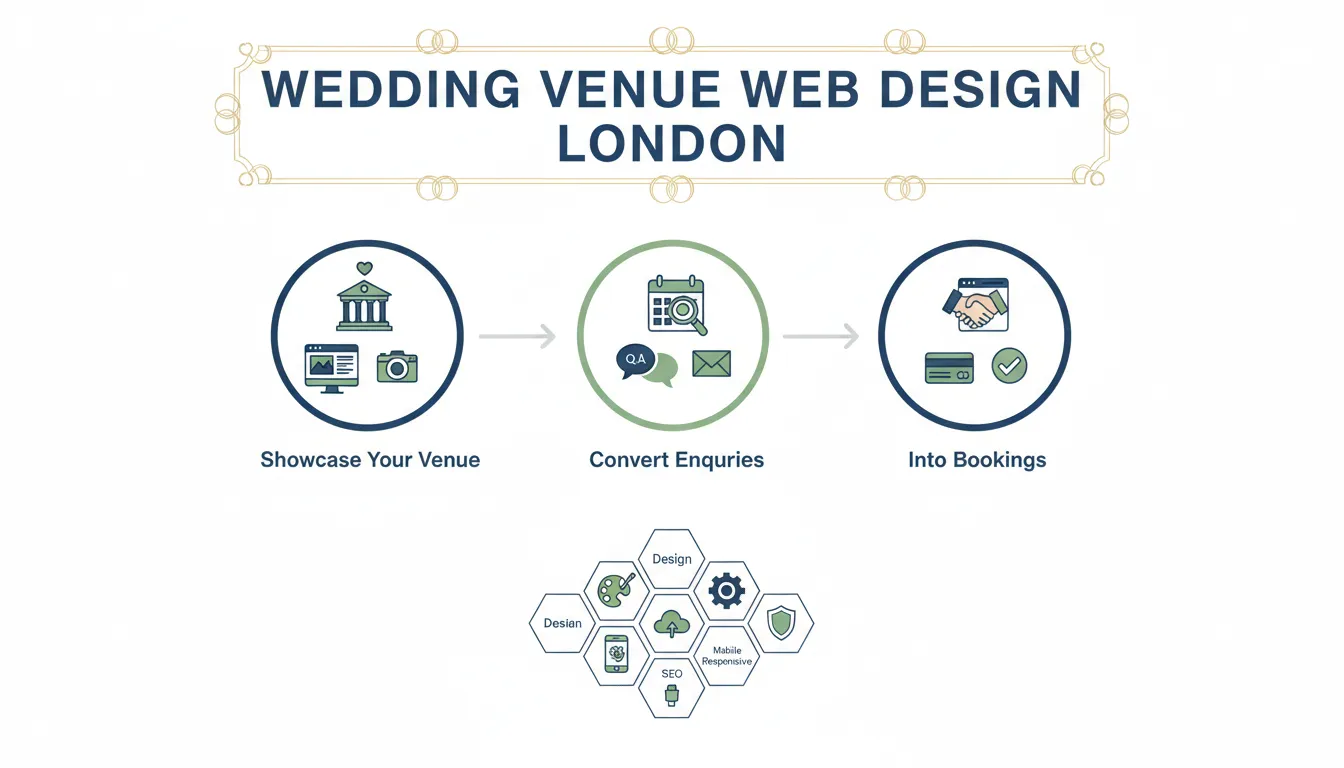
This is where professional wedding venue web design becomes a genuine business asset. It’s not about having *a* website. It’s about having one that captures the emotional experience of your space, guides visitors towards booking enquiries, and establishes trust with serious couples. In London’s competitive wedding market, where venues range from intimate converted barns to grand ballrooms, your website needs to be as impressive as your actual space.
Key Takeaways
We’ve worked with 200+ London businesses—including wedding venues, photographers, florists, and event spaces—to create websites that actually convert browsers into enquirers and enquirers into paying clients. This guide breaks down exactly what professional wedding venue web design looks like, why it matters, and how to get it right.
What Is Professional Wedding Venue Web Design?
Professional wedding venue web design is a strategically built website designed specifically to attract engaged couples, showcase your unique space, and convert website visitors into qualified enquiries. It’s not just about making something look pretty (though that matters). It’s about creating a digital experience that mirrors the emotional journey couples go through when planning a wedding.
A professional venue website includes several core components working together:
Visual Storytelling: High-quality photography and video that allows couples to experience your space before visiting. This includes multiple room views, styling options, outdoor spaces, and bridal suites.
Clear Information Architecture: Visitors need to find pricing, capacity, availability, and contact options without frustration. Professional design organises this information logically across pages.
Mobile Optimisation: Over 70% of venue research happens on mobile devices. Professional designs are mobile-first, meaning they work perfectly on phones before anything else.
Trust Signals: Client testimonials, awards, certifications, and years in business build confidence. A professional website displays these prominently.
Conversion Pathways: Clear calls-to-action, enquiry forms, booking calendars, and contact options guide visitors towards the next step.
SEO Foundation: Professional websites are built to rank for relevant keywords like “wedding venues in [your area]” so couples can find you through search engines.
The difference between a DIY website built on a template and a professionally designed venue website is significant. A template might cost £500 and take you a few hours to set up. A professional website costs more upfront but typically generates 3-5x more enquiries within the first year, making the investment worthwhile.
Step 1: Define Your Venue’s Unique Selling Points & Target Couple
Before any design work happens, you need crystal clarity on what makes your venue different and who you’re trying to attract.
Every venue has a unique story. Maybe you’re a historic Grade II listed building with original features. Perhaps you’re a contemporary space in a prime London location. You might specialise in intimate 30-person gatherings or grand 300-person celebrations. You could be known for gorgeous natural light, stunning garden spaces, or world-class catering partnerships.
Your website needs to communicate this clearly and consistently. A professional venue web designer will spend time understanding your venue, your history, your strengths, and your typical client profile before touching the design.
Identify Your Unique Selling Points:
– What makes your venue stand out from competitors?
– What do past couples always mention they loved?
– What’s your venue’s signature feature (ballroom, grounds, location, flexibility)?
– What problems do you solve that other venues don’t?
– What’s your price positioning—luxury, mid-range, accessible?
Define Your Target Couple:
Different couples have different needs and priorities. Some want a traditional grand ballroom experience. Others want a blank canvas they can style themselves. Some prioritise flexibility with catering. Others want an all-inclusive package. Understanding your ideal couple helps shape every design decision:
– Age range and generation (Millennials vs Gen X want different things)
– Budget range
– Wedding size (intimate vs grand)
– Timeline (rushed vs planning over 18 months)
– Priorities (photography-friendly spaces, outdoor options, flexibility, all-inclusive)
A professional designer will use this information to shape the website’s messaging, imagery, colour scheme, and functionality. A website for a luxury country estate will look and feel different from a contemporary city warehouse, even if both are equally professional.
Step 2: Create a Content Strategy & Information Architecture
Content strategy determines what information lives on your website and how it’s organised. Poor content strategy leads to confused visitors who can’t find what they need. Great content strategy guides couples through a logical journey towards enquiry.
Core Pages Every Venue Website Needs:
1. Homepage – The emotional hook. High-quality imagery, brief introduction, clear value proposition, primary call-to-action (enquiry button). First-time visitors should understand what you offer within 5 seconds.
2. Venue Overview / About – Your story. How long have you been operating? What’s your philosophy? What makes you special? This builds trust and emotional connection.
3. Gallery / Showcase – Multiple high-quality photos of each space, decorated for weddings. Video tours are increasingly important. This is where couples “experience” your venue.
4. Capacity & Layouts – Clear diagrams showing room dimensions, capacities for different setups (theatre, banquet, cocktail), and flexibility options.
5. Pricing & Packages – Be transparent. Whether you publish full pricing or provide tiered information, couples want to understand what different packages include.
6. Catering & Vendors – Information about in-house catering, approved vendor lists, restrictions, and partnerships.
7. Testimonials / Reviews – Social proof. Real photos and quotes from past couples build credibility.
8. Location & Accessibility – Address, parking information, transport links, accessibility details for guests with mobility needs.
9. Contact / Enquiry – Multiple pathways to get in touch: contact form, phone number, email, booking calendar, chat function.
10. FAQ – Address common questions about policies, flexibility, requirements, and process.
Professional web designers create an “information architecture” document that maps out exactly where content lives, how pages connect, and how visitors navigate from entry point to enquiry. This isn’t visible to visitors, but it fundamentally shapes their experience.
Content Hierarchy: Not all information is equally important. A professional design strategy prioritises information based on visitor needs. Couples researching venues typically want to see: photos first, capacity/pricing second, testimonials third, detailed terms and conditions last.
Step 3: Design for Emotional Connection & User Experience
This is where professional design truly separates from template websites. Professional venue web design uses colour, typography, imagery, spacing, and interaction patterns to create an emotional experience that matches your brand.
A luxury country estate website should feel elegant and timeless. Contemporary urban venues should feel modern and cutting-edge. Rustic barns should feel warm and intimate. Every design choice—from colour palette to button styling—reinforces your venue’s personality.
Key Design Elements:
Hero Image & Video: The first thing visitors see should be stunning. Professional sites use large, high-quality imagery or video that immediately communicates the venue’s aesthetic. Some leading venues now use 30-second video loops showing the space decorated, with ambient music. This is significantly more effective than static images.
Whitespace & Breathing Room: Professional designs use generous whitespace around content. This makes the website feel premium and allows imagery to shine. Template websites often feel crowded because they try to fit too much information above the fold.
Typography Hierarchy: Professional design uses 2-3 carefully selected fonts to create clear visual hierarchy. Headlines are large and prominent. Body copy is readable (typically 16-18px). Captions are smaller. This guides visitors’ eyes to the most important information.
Colour Psychology: Colours evoke emotions. Golds and deep jewel tones suggest luxury. Whites and light greys suggest modern minimalism. Warm earth tones suggest rustic charm. Professional designers choose colour palettes that reinforce your venue’s positioning.
High-Quality Photography: This cannot be overstated. Professional venue websites use professional photography. Smartphone photos and budget photography don’t convey premium positioning. Investment in professional photography (typically £1,500-£5,000 for a full shoot) is usually the single best investment you can make.
Interactive Elements: Professional websites might include 360-degree room tours, virtual walkthroughs, interactive floor plans, or photo galleries that zoom and swipe smoothly. These micro-interactions make the experience feel polished and modern.
Testimonial Integration: Real couple quotes and photos are woven throughout the site, not confined to one page. Seeing genuine feedback as visitors explore different sections builds trust progressively.
Step 4: Optimise for Mobile & Conversion
Over 70% of couples researching venues do so on mobile devices—often while commuting, in a café, or during a break at work. If your website doesn’t work beautifully on mobile, you’re losing the majority of potential enquiries.
Professional mobile optimisation means:
Responsive Design: Your website automatically adapts to any screen size. Text remains readable. Images scale appropriately. Buttons remain tappable (at least 44px tall). Navigation simplifies on mobile.
Mobile-First Approach: Professional designers design the mobile experience first, then expand to larger screens. This ensures mobile users aren’t neglected.
Fast Loading: Mobile visitors are impatient. Professional websites load in under 3 seconds. Large images are optimised (compressed without quality loss). Code is lean.
Simplified Navigation: Mobile navigation typically uses a hamburger menu that reveals a clean list. Desktop navigation with 7+ menu items becomes overwhelming on mobile.
One-Tap Enquiry: On mobile, your primary call-to-action should be a phone number (clickable to call) or simple enquiry form. Couples shouldn’t need to scroll or hunt for your contact information.
Clear Next Steps: Every page should have a clear action. “Call us,” “Request a brochure,” “Book a viewing,” “Check availability.” Don’t make visitors guess what to do next.
Conversion optimisation goes beyond mobile. It includes:
– Enquiry forms that are simple (ideally 3-5 fields, not 20)
– Multiple contact pathways (phone, email, online form, chat)
– Trust signals above the fold (reviews, certifications, years in business)
– Clear pricing (or explanation of why pricing varies)
– Social proof throughout (testimonials, client logos, “X couples booked with us”)
– Fast response expectations (“We reply to enquiries within 2 hours”)
Step 5: Build SEO Foundation & Online Visibility
A beautiful website means nothing if couples can’t find it. Professional venue web design includes SEO (search engine optimisation) from the ground up.
When couples search for wedding venues, they typically use searches like:
– “Wedding venues London”
– “Wedding venues in Notting Hill” / “[Your area]”
– “Intimate wedding venues London”
– “Garden wedding venues near me”
– “Luxury wedding venues London”
Professional web designers build websites that rank for these searches through:
Keyword Research: Identifying which searches couples actually use to find venues like yours.
On-Page Optimisation: Using keywords naturally in page titles, headings, body copy, and meta descriptions. The goal is relevance, not keyword stuffing.
Technical SEO: Ensuring your website’s code is clean, pages load quickly, the site is mobile-friendly, and search engines can crawl all content.
Content Structure: Using proper heading hierarchy (H1, H2, H3), short paragraphs, bullet points, and subheadings so content is easy to scan—both for humans and search engines.
Local SEO: Claiming and optimising your Google Business Profile, ensuring your address and phone number are consistent across the web, and earning local citations.
Link Building: Gradually earning links from local wedding blogs, directories, and complementary businesses.
Page Speed: Ensuring your website loads quickly (core web vitals). Google prioritises fast websites in search rankings.
The result: couples searching for venues like yours can find you organically through Google search. This is dramatically more valuable than paying for ads, as these are active searchers ready to make decisions.
Tools, Platforms & Cost Breakdown
Several platforms can host professional wedding venue websites:
| Platform | Best For | Cost Range | Pros | Cons |
| — | — | — | — | — | <br /> |
|---|---|---|---|---|---|
| Custom WordPress | Complete control, unlimited features | £2,500-£8,000 (custom build) | Fully customisable, scalable, good SEO | Requires maintenance | |
| Squarespace / Wix | Affordable, DIY or semi-pro | £150-£500/year | Intuitive, good templates, all-in-one | Limited customisation, template feel | |
| Webflow | Designers, custom builds | £1,500-£5,000 (build) + £25-£200/month | Beautiful designs, good for portfolios | Learning curve for non-designers | |
| Dedicated Venue Platforms | Simplicity, all-in-one booking | £100-£300/month | Built for venues, includes enquiry management | Limited design flexibility, template-based | |
| Bespoke Build | Premium, unique positioning | £4,000-£15,000+ | Completely custom, professional, scalable | Higher initial investment |
Typical Investment Breakdown for Professional Venue Website:
– Professional Photography: £1,500-£4,000 (essential)
– Web Design & Build: £3,000-£10,000
– Content Writing: £500-£2,000
– SEO & Optimisation: £800-£2,000
– Annual Hosting & Maintenance: £500-£1,500
– Annual SEO & Updates: £1,000-£3,000
Total First-Year Cost: £6,300-£22,500
Monthly Cost (Year 2+): £130-£375
This seems substantial, but venues typically report that a professional website generates 2-5x more enquiries than a basic website. If you book just one additional wedding per year due to your improved website, the investment is recouped.
Pros & Cons of Investing in Professional Wedding Venue Web Design
Advantages
✅ Significantly increased enquiries: Couples are actively searching for venues online. A professional website makes it easy for them to find you and get in touch.
✅ 24/7 marketing: Your website works while you sleep, on weekends, during events. It’s always representing your venue and handling initial enquiries.
✅ Cost per enquiry is low: Once the website is built, each new enquiry costs almost nothing to acquire (vs. paying per click on ads).
✅ Builds trust before viewing: Couples can experience your space digitally, read testimonials, and verify pricing before visiting. This filters for serious couples only.
✅ Competitive advantage: In London’s competitive venue market, a professional website signals quality and professionalism. It influences couple’s initial perception of your venue.
✅ Long-term asset: Unlike paid advertising, your website compounds over time. SEO improves, more reviews accumulate, and it continues generating enquiries for years.
✅ Better data collection: A professional website with proper analytics tells you exactly how visitors behave, which pages convert best, and where to improve.
✅ Flexibility: Your website can evolve with your business. Add new offerings, update pricing, showcase new photos, and adapt your messaging.
Disadvantages
❌ Initial investment required: Professional design isn’t cheap. Budget £3,000-£10







