
Hook: Why Your Website is Costing You Jobs Right Now
Here’s the uncomfortable truth: if you’re an electrician or gas engineer in London without a professional website, you’re leaving money on the table every single day.
Research shows that 85% of homeowners and business owners search online before calling a tradesperson. They’re looking for proof of competence, customer reviews, pricing transparency, and quick contact options. If they land on your website and it looks outdated, loads slowly on mobile, or makes booking an appointment difficult, they’ll click to a competitor within seconds.

We’ve worked with over 200 London-based electricians and gas engineers, and the pattern is always the same: those with professional, strategically designed websites generate 3-5 times more qualified leads than those without. A proper website doesn’t just look good—it works harder than any leaflet drop or local directory listing ever could.
The problem isn’t that you lack skills as a tradesperson. The problem is that your online presence isn’t reflecting the quality of work you deliver. London’s competitive market demands that your digital storefront matches your professional reputation. This guide walks you through exactly what you need, why it matters, and how to get it done without breaking the bank.
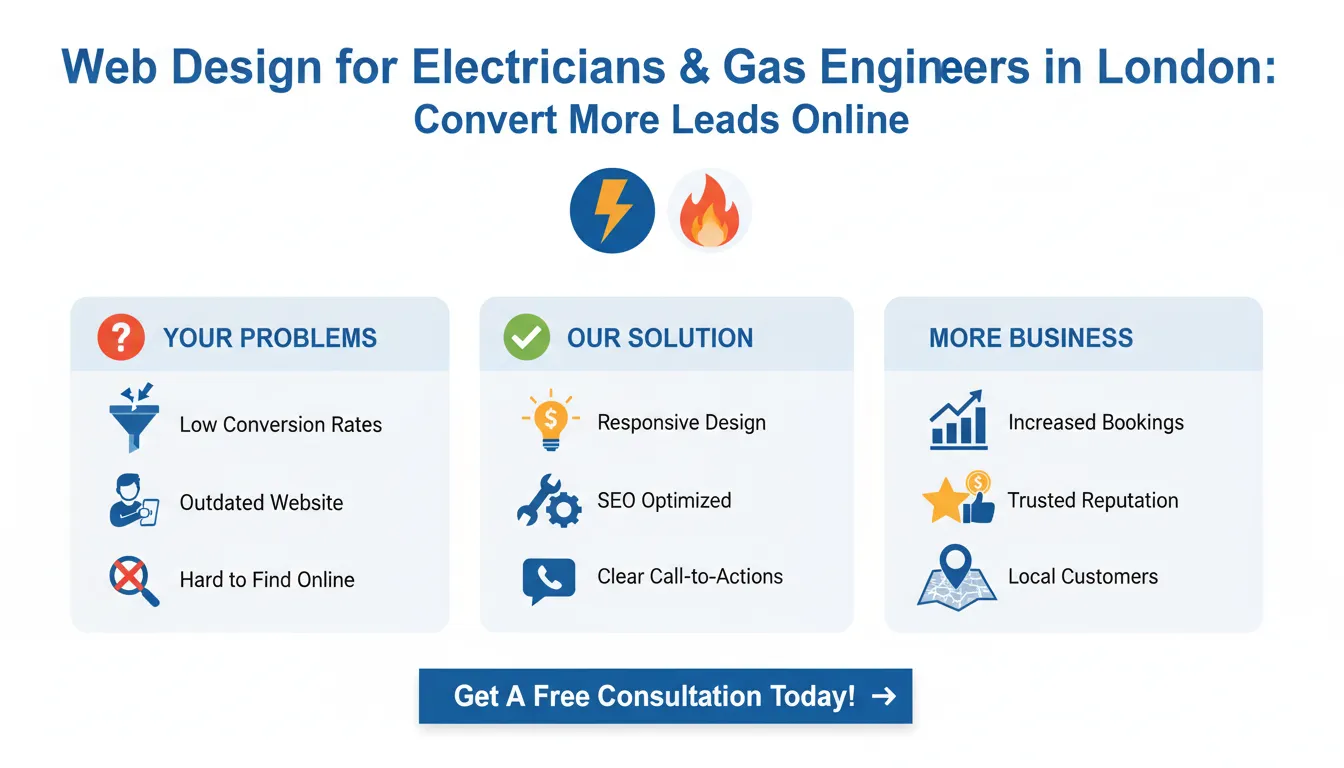
Key Takeaways
What Electrician and Gas Engineer Web Design Actually Is
Web design for tradespeople is fundamentally different from web design for e-commerce stores or tech startups. You’re not selling products that ship; you’re selling your time, expertise, and reliability. Your website’s job is specific: capture local leads, build trust instantly, and make it dead simple for customers to contact you.

For electricians and gas engineers, effective web design includes:
Local Lead Capture: Your site must attract people searching “electrician near me,” “emergency gas engineer London,” or “boiler repair Hackney.” This requires location-specific content, local SEO optimization, and clear service area mapping.
Trust-Building Elements: Customers need to see qualifications, certifications, insurance details, and customer testimonials before they’ll call. A professional website displays these prominently without being asked.
Mobile Optimization: Over 70% of service searches happen on mobile devices. Your website must be lightning-fast and fully functional on smartphones, with one-tap calling and easy contact forms.
Service Pages That Convert: Rather than vague descriptions, your website needs detailed pages explaining what you do, what it costs (or price ranges), and why customers should choose you over competitors.
Lead Capture Mechanisms: Forms, phone numbers, callback requests, emergency contact buttons—these are your revenue drivers. Every page should make it easy to express interest.
Portfolio or Before/After Sections: Unlike other professions, electricians and gas engineers benefit from visual proof of work. Job galleries show capability and quality.
This isn’t about having the fanciest design on the internet. It’s about having a practical tool that generates phone calls and jobs. Every element serves a purpose.
How to Structure Your Electrician or Gas Engineer Website for Maximum Leads
1. Homepage That Immediately Builds Trust
Your homepage has approximately 3-5 seconds to convince a visitor that you’re the right person for the job. Make those seconds count.
Your hero section (the first thing people see) should answer three questions instantly:
– What service do you provide?
– Where do you serve?
– How can I contact you?
A statement like “Emergency Electrician in London | Same-Day Response | Gas Safe Registered” communicates professionalism and reliability in seconds. Follow this with a clear call-to-action button: “Get Your Free Quote Today” or “Call Now for Same-Day Service.”
Below the fold, include a trust-building section. This is where your qualifications, certifications, and customer numbers shine. For example:
– “20+ Years of Experience”
– “200+ 5-Star Reviews”
– “NICEIC Certified Electrician”
– “Gas Safe Registered Engineer”
– “24/7 Emergency Service”
Add a customer testimonials carousel. Real quotes from real jobs matter enormously. A quote like “John was professional, on-time, and his pricing was fair. Would definitely recommend” carries more weight than any marketing claim you could make.
Include a section explaining your service areas. For London electricians, this might be: “Covering all of Greater London including Hackney, Peckham, Clapham, Wandsworth, and surrounding areas.” This signals to local search algorithms and to potential customers that you’re accessible to them.
Finally, your homepage should feature a prominent lead capture mechanism. A simple form asking for name, postcode, phone number, and brief description of the job is all you need. Keep it short—the longer the form, the fewer people will complete it.
2. Dedicated Service Pages That Explain Your Offering
For electricians, create individual pages for: emergency repairs, rewiring, inspections, new installations, and commercial work. For gas engineers, create pages for: boiler repairs, servicing, installations, breakdowns, and landlord safety certificates.
Each service page should follow this structure:
Problem Statement: “Your boiler has stopped working in the middle of winter, and you need someone you can trust to fix it quickly.”
What You Provide: Clear explanation of the service, what’s included, and typical timeframes. For example: “Gas boiler repair service includes initial diagnostics, identification of the fault, explanation of options, and professional repair. Most common repairs completed same-day.”
Why Choose You: Highlight what makes you different. “10-year guarantee on parts,” “Transparent pricing before work begins,” or “Available 24/7 for emergencies.”
Pricing Framework: You don’t need exact prices (they vary by job), but giving a range is helpful. “Typical callout charge: £75-£95. Repair costs vary depending on parts required. We provide a quote before proceeding.” This transparency builds trust and filters out bargain hunters.
Before and After Gallery: If you do rewiring, installations, or major work, show photos of completed projects. Even for repair work, photos of your team on the job demonstrate professionalism.
Clear CTA: Every service page ends with a prominent button: “Get a Free Quote” or “Book Your Appointment Today.”
3. Local SEO Integration and Location Pages
London is massive, and you probably don’t serve every postcode equally. Create location-specific content that helps local search engines understand where you operate.
For each major area you serve, create a dedicated page or section. For example, an electrician might have pages for:
– Electrician in Hackney
– Electrician in Peckham
– Electrician in Clapham
– Emergency Electrician in East London
Each location page includes:
– Service area map showing postcodes you cover
– Local testimonials from customers in that area
– Mention of local landmarks or neighborhoods
– Contact information with local phone lines if possible
This approach signals to Google that you serve specific areas and helps you rank for location-specific searches. A homeowner searching “electrician in Hackney” is much more likely to find and contact you if you’ve optimized for that specific query.
4. Reviews and Testimonials Section
Social proof is essential. Customers want to see that others have had good experiences with you.
Dedicate a full page or prominent section to customer reviews. Display:
– Star ratings (aim for 4.5-5 stars)
– Customer names and locations
– Photos of customers (if possible)
– Detailed review text explaining what was done and how satisfied they were
Encourage reviews by asking customers after completed jobs. Google Reviews, Trustpilot, and CheckaTrade are essential platforms for tradespeople. Embed these reviews on your website to demonstrate ongoing positive feedback.
A section that reads “200+ customers trust us with their electrical and gas needs. See what they say:” followed by 6-8 detailed reviews significantly boosts conversion rates.
Mobile Optimization: The Non-Negotiable Requirement
If your website isn’t optimized for mobile, you’re already losing jobs. Here’s why:
70%+ of service searches happen on mobile devices. A plumber searching for “emergency gas engineer” is usually doing so on their phone at the moment the problem occurs.
Your mobile website must:
– Load in under 3 seconds: Every additional second of load time increases bounce rate by 7%. Use compressed images and fast hosting.
– Have one-tap calling: A prominent phone number button that dials instantly when tapped.
– Show a callback form above the fold: For people who prefer to request contact rather than call.
– Stack vertically: All content should be readable without zooming.
– Show your service area map: Mobile users need to know you serve their location.
– Include emergency messaging: “Available 24/7” or “Call Now for Same-Day Service” should be visible.
Test your website on actual mobile devices, not just in browser simulators. Speed matters. Usability matters. If your website doesn’t convert mobile visitors, you’re losing the majority of your potential customer base.
Essential Pages Every Electrician and Gas Engineer Website Needs
Beyond the homepage and service pages, include these critical pages:
About Us Page: Tell your story. How long have you been in business? What certifications do you hold? Why do you care about customer service? A personal touch builds connection and trust.
Emergency Service Page: If you offer 24/7 emergency services, create a dedicated page for this. Include emergency contact numbers, typical response times, and out-of-hours pricing if applicable.
Pricing or Cost Guide: Even if prices vary by job, providing a general framework helps set expectations. A page that reads “Typical electrician callout charge: £75-£95. Inspection only: £50. Repairs typically cost between £200-£500 depending on the fault. Commercial work: custom quotes required” is far better than leaving people in the dark.
Insurance and Certifications Page: Display your qualifications clearly. Gas Safe registration, NICEIC certification, public liability insurance—these matter. Make them easy to verify.
Blog Section: While not essential, a blog showing tips, maintenance advice, or industry updates helps with SEO and establishes you as an authority. Even one new post per month helps.
Contact Page: A simple, functional page with contact form, phone number, email, and physical address (if applicable). Include opening hours and response times.
Privacy and Terms: Legal pages aren’t exciting, but they’re necessary and build credibility.
Tools and Resources: Building Your Electrician Website
Website Builders and Platforms
WordPress + Genesis Framework ($50-150/month): Maximum flexibility, SEO-friendly, but requires technical knowledge or a developer.
Wix ($15-50/month): Drag-and-drop simplicity. Good templates. Less SEO control than WordPress.
Squarespace ($12-33/month): Visually appealing templates. Less customizable than WordPress but easier to use.
Specialized Tradesman Platforms ($30-100/month): Some platforms (like Tradify or HubSpot for SMEs) are built specifically for tradespeople. They include job scheduling, invoicing, and lead management alongside website hosting.
For most London electricians and gas engineers, WordPress with professional hosting ($80-150/month) or a specialized tradesman platform ($50-100/month) provides the best balance of cost, control, and functionality.
Essential Tools and Add-Ons
| Tool | Purpose | Cost |
| —— | ——— | —— | <br /> |
|---|---|---|---|
| Google Business Profile | Local search visibility | Free | |
| Calendly or Acuity Scheduling | Appointment booking | $12-45/month | |
| Google Analytics | Traffic tracking | Free | |
| Local SEO plugin (Yoast/RankMath) | On-page optimization | Free-$100/year | |
| Form plugin (WPForms/Forminator) | Lead capture | Free-$99/year | |
| Google Maps integration | Service area display | Free | |
| Schema markup plugin | Rich snippets for search | Free-$50/year |
Costs Breakdown
| Element | Typical Cost |
| ——— | ————– | <br /> |
|---|---|---|
| Domain name (.com/.co.uk) | £10-15/year | |
| Website hosting | £8-30/month | |
| Professional design/setup | £500-2,000 one-time | |
| SSL certificate (HTTPS) | Usually included with hosting | |
| Email hosting | £5-10/month | |
| SEO optimization | £200-500 one-time setup, then £100-300/month | |
| Lead capture tools | £0-50/month | |
| Photography/portfolio imaging | £500-1,500 | |
| Total Monthly | £200-500 | |
| Total Setup (first year) | £2,500-5,000 |
This investment typically pays for itself within 2-3 months through increased leads. For a plumber or electrician closing jobs at £300-1,000+ each, even one extra job per week covers the cost.
Pros and Cons: Professional Web Design vs. DIY
Pros of Professional Web Design
✅ Faster lead generation: A well-designed site generates qualified leads within weeks, not months of tinkering.
✅ Better conversion rates: Professional designers understand user psychology. They optimize every element for maximum conversions.
✅ Mobile optimization included: Your site works perfectly on all devices without extra effort from you.
✅ Local SEO built-in: Professional designers implement location optimization so you rank for local searches.
✅ Time savings: You focus on running your business; the designer handles the technical complexity.
✅ Professional appearance: Customers perceive you as more credible and established.
✅ Ongoing support: Technical issues get fixed quickly without your involvement.
Cons of Professional Web Design
❌ Higher upfront cost: Professional design runs £500-2,500+ upfront, plus monthly fees.
❌ Less control: You’re reliant on your designer for updates and changes.
❌ Potential overkill: If you only need a simple site, professional design might be more than necessary.
❌ Design decisions slower: Custom requests take time to implement.
Pros of DIY Website Building
✅ Low cost: Website builders cost £10-50/month.
✅ Full control: You can make changes instantly without waiting for a designer.
✅ Quick launch: You can have a website live within hours.
✅ Learning opportunity: You understand your own site and can manage it independently.
✅ No designer dependency: You’re not waiting for availability or communicating requests.
Cons of DIY Website Building
❌ Poor conversion rates: DIY sites often lack optimization that converts visitors into leads.
❌ Mobile issues: Builders can create responsive sites, but optimization takes expertise.
❌ SEO struggles: Local SEO requires knowledge most DIY builders don’t possess.
❌ Time-consuming: Creating quality content and optimizing pages takes many hours.
❌ Generic appearance: Template-based designs can look generic or dated quickly.
❌ Technical limitations: You’re restricted to what the builder allows.
Real-World Examples: How London Tradespeople Won More Leads
Case Study 1: Emergency Electrician, East London
The Problem: Marcus ran a busy electrical business but relied entirely on word-of-mouth and local directories. He was turning jobs away due to capacity, but potential customers couldn’t find him online.
The Solution: We built a professional WordPress site with dedicated pages for emergency services, rewiring, and inspections. We created location pages for his primary service areas (Hackney, Walthamstow, Leyton). We integrated Google Business Profile and added a prominent “24/7 Emergency” button on the homepage.
The Result: Within 8 weeks, his site generated 20-30 qualified leads per month. His Google Business Profile appeared in local search results for “emergency electric







